
Backup Planning
How to Back Up Evernote Before Changing Apps or Plans
Build a local copy first, verify it, and only then change your workflow. That order removes most of the avoidable risk.
Read more
Learn how to backup, export, and manage Evernote notes with practical guides, migration tutorials, and format comparisons.
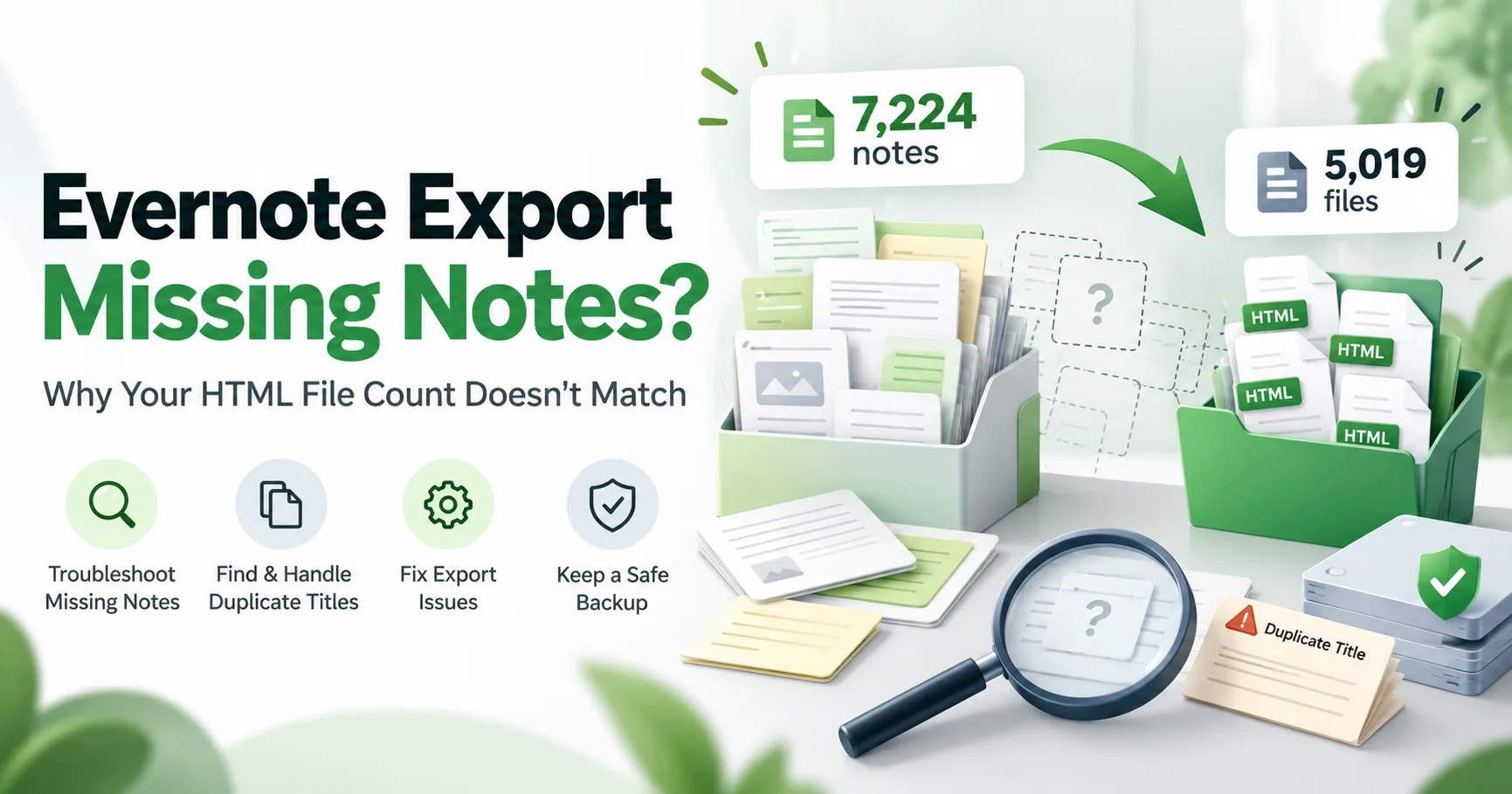
An export can report success while the number of HTML files on disk looks too low. Learn how to investigate duplicate titles, filename collisions, export settings, and OneDrive workflows before assuming notes are missing.
Start with the question you are trying to solve instead of scanning a long flat article list.
Use these guides when you want a safer local archive before making changes to your note workflow.
Compare destination workflows and export formats before moving notes into another app.
Check the edge cases that matter most: attachments, internal links, SSL, and readable exports.
Build a local copy first, verify it, and only then change your workflow. That order removes most of the avoidable risk.
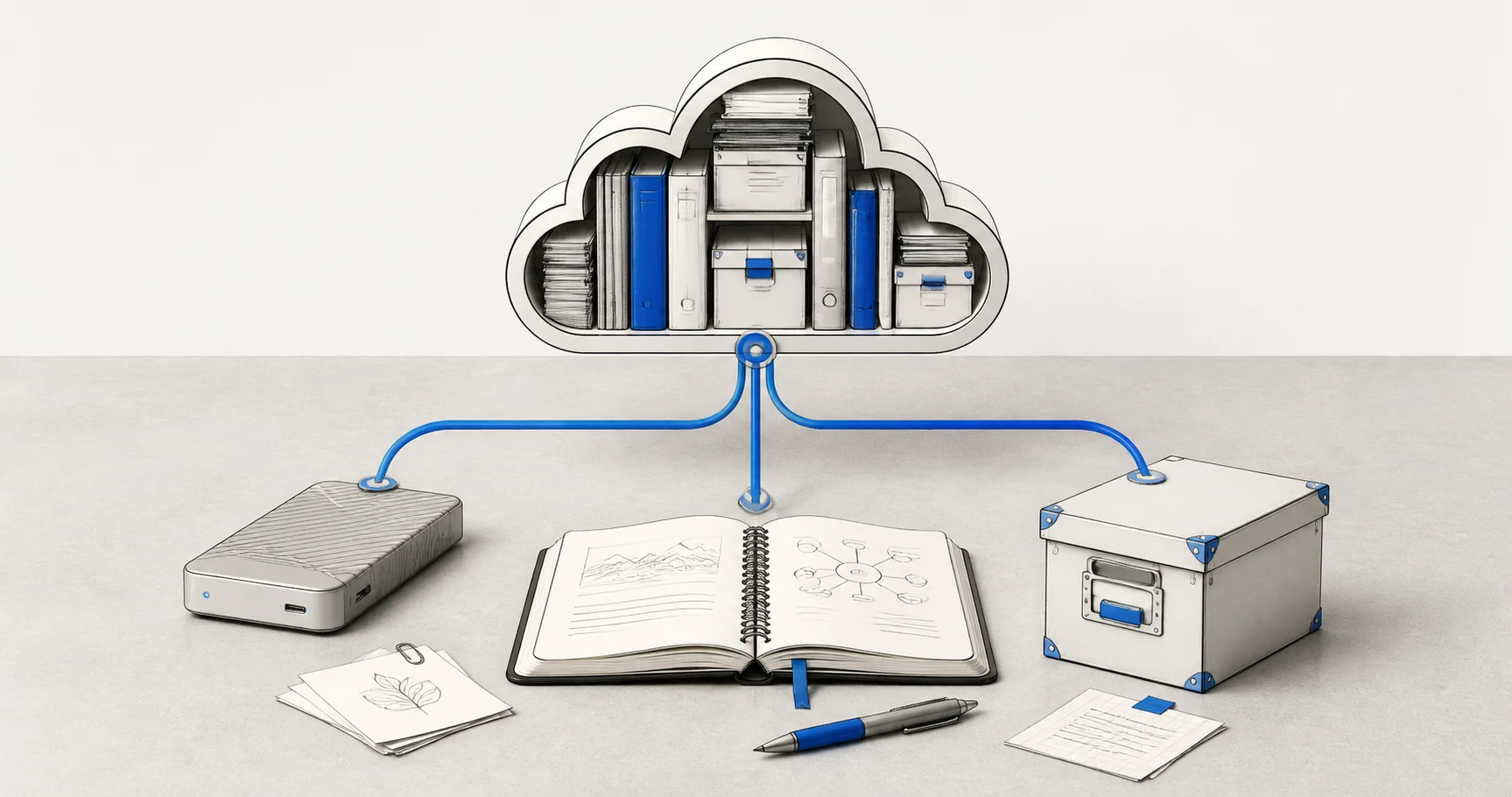
A folder full of files is not proof that your Evernote data is safe. Build several copies, keep the right export formats, and test one real restore before you need it.

Apple Notes is a common destination for Mac and iPhone users, but the safer move starts with a verified local export, not a blind import.
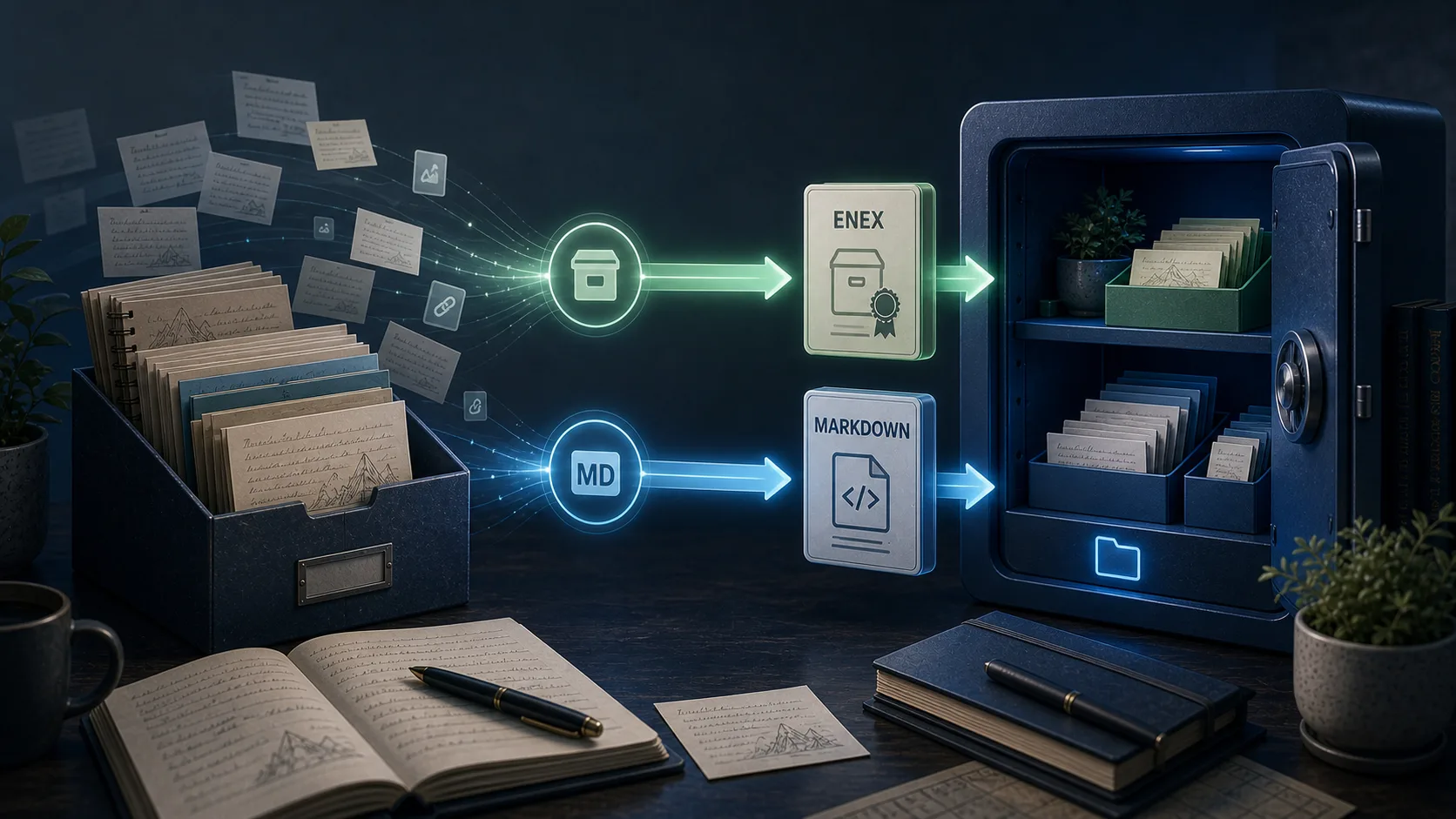
Joplin users often want both preservation and editability. That means you should think about ENEX and Markdown as different tools, not competing guesses.

Large note libraries fail differently. The goal is not just finishing an export once. It is getting a workflow you can trust and repeat.

Internal note links are one of those details that users only notice after an export, when the archive is already supposed to be finished.

SSL certificate verification problems on macOS are usually environment issues, not note-data issues. The fix is to make the connection path more reliable and easier to understand.

A comprehensive overview of the desktop application that helps you backup and export your Evernote notes securely.

Your notes are valuable. Here's why relying solely on cloud storage isn't enough, and why every Evernote user should have a local backup.

Learn how to backup all your Evernote notes to a local database and export them to ENEX, HTML, or Markdown format. This comprehensive guide covers installation, setup, and all features including Obsidian migration.
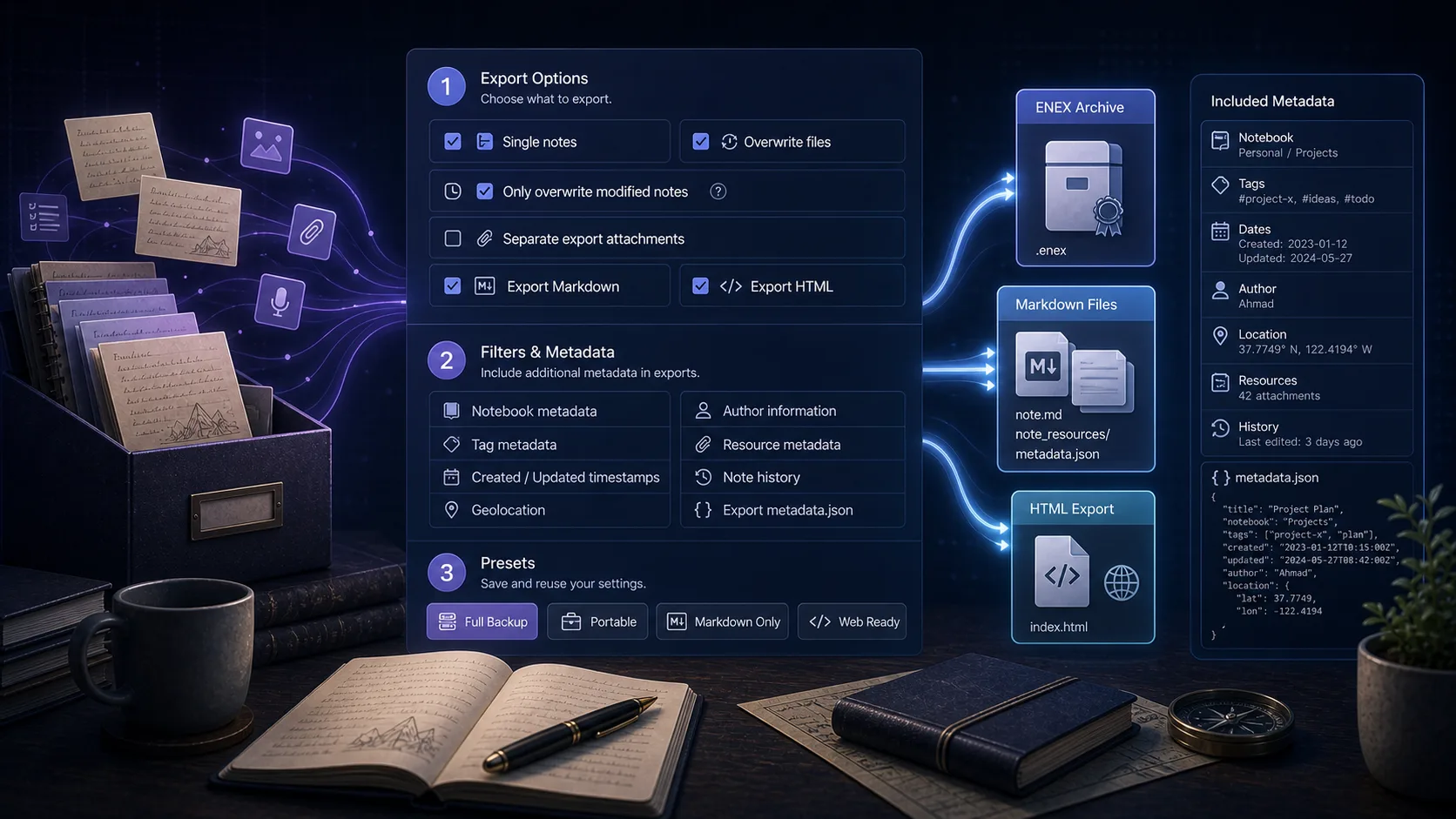
Confused about the "No export date", "Add GUID", and "Add metadata" options? This guide explains what each option does and when you should use them.

After years of trusting Evernote with your notes, you might start wondering: what if something goes wrong? Here's how to think about local backups and which export format actually makes sense for your needs.
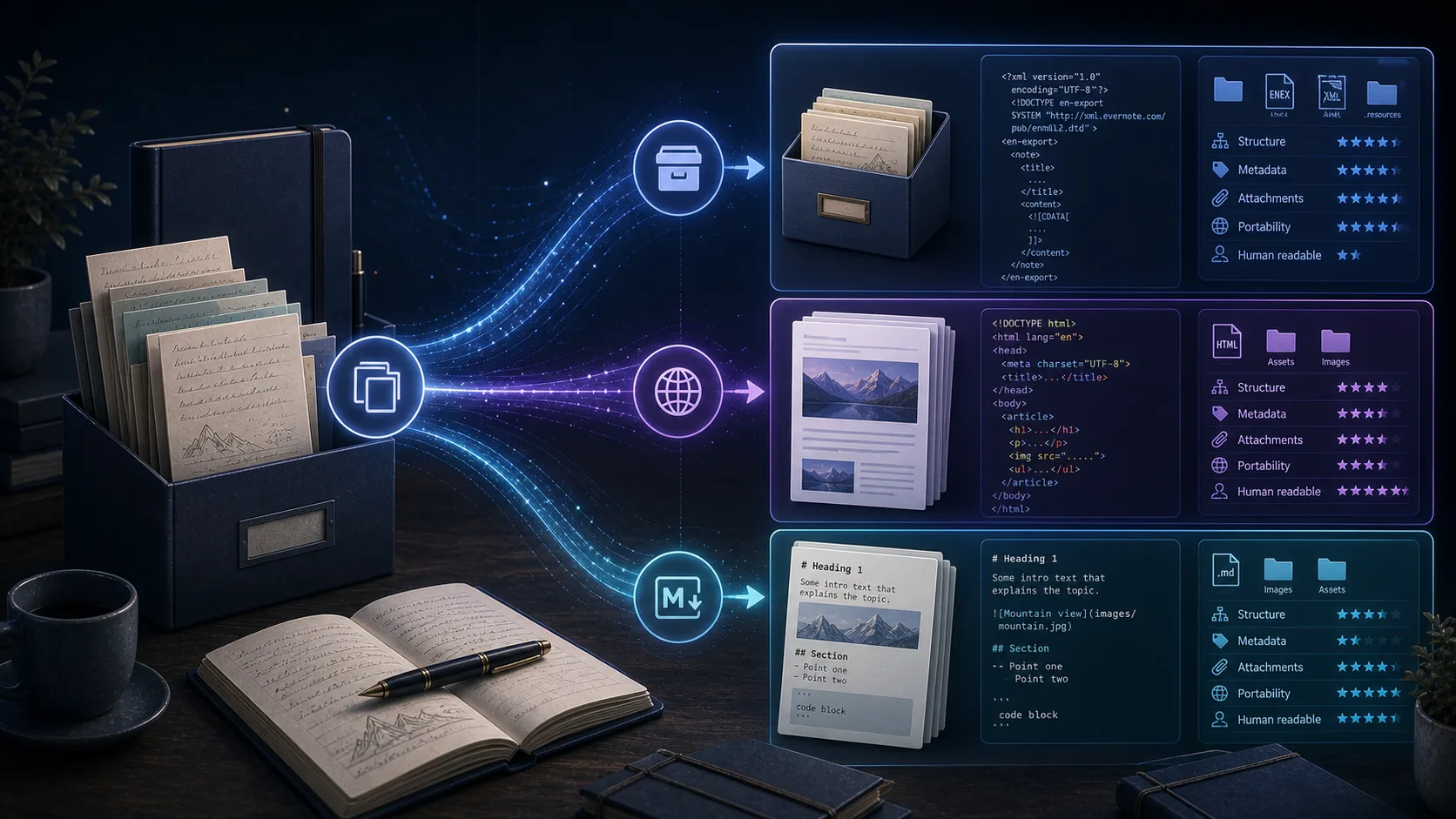
Choosing the wrong export format means extra work later - re-exporting, converting, or discovering your backup isn't actually usable. Here's how to pick the right format the first time.

Moving years of notes from Evernote to Obsidian isn't just an export and import. Here's how to migrate properly using Markdown export, avoiding the common pitfalls that leave people with broken links and missing attachments.

Backing up a small Evernote account is straightforward. But once you cross into thousands of notes with years of attachments, everything changes. Here's what you need to know about large-scale Evernote backups.

You've exported your Evernote notes, but now you're staring at files you can't easily open or search. Here's how to create exports that are actually useful for browsing and finding information.

Attachments are where most Evernote exports go wrong. Images disappear, PDFs become inaccessible, and documents get corrupted. Here's how to avoid losing the most valuable parts of your notes.

For years, Evernote users with thousands of notes accumulated over a decade stayed loyal through changes and uncertainty. But something shifted recently, and long-time users are finally leaving in noticeable numbers.

When you have years of notes accumulated in Evernote, the prospect of migrating them somewhere else feels overwhelming. Here's what the migration actually involves, beyond just clicking "export."

When long-time Evernote users decide to leave, there's no shortage of alternatives. Yet one choice appears more consistently than any other: Obsidian. Here's why former Evernote users keep choosing this Markdown-based tool over everything else.
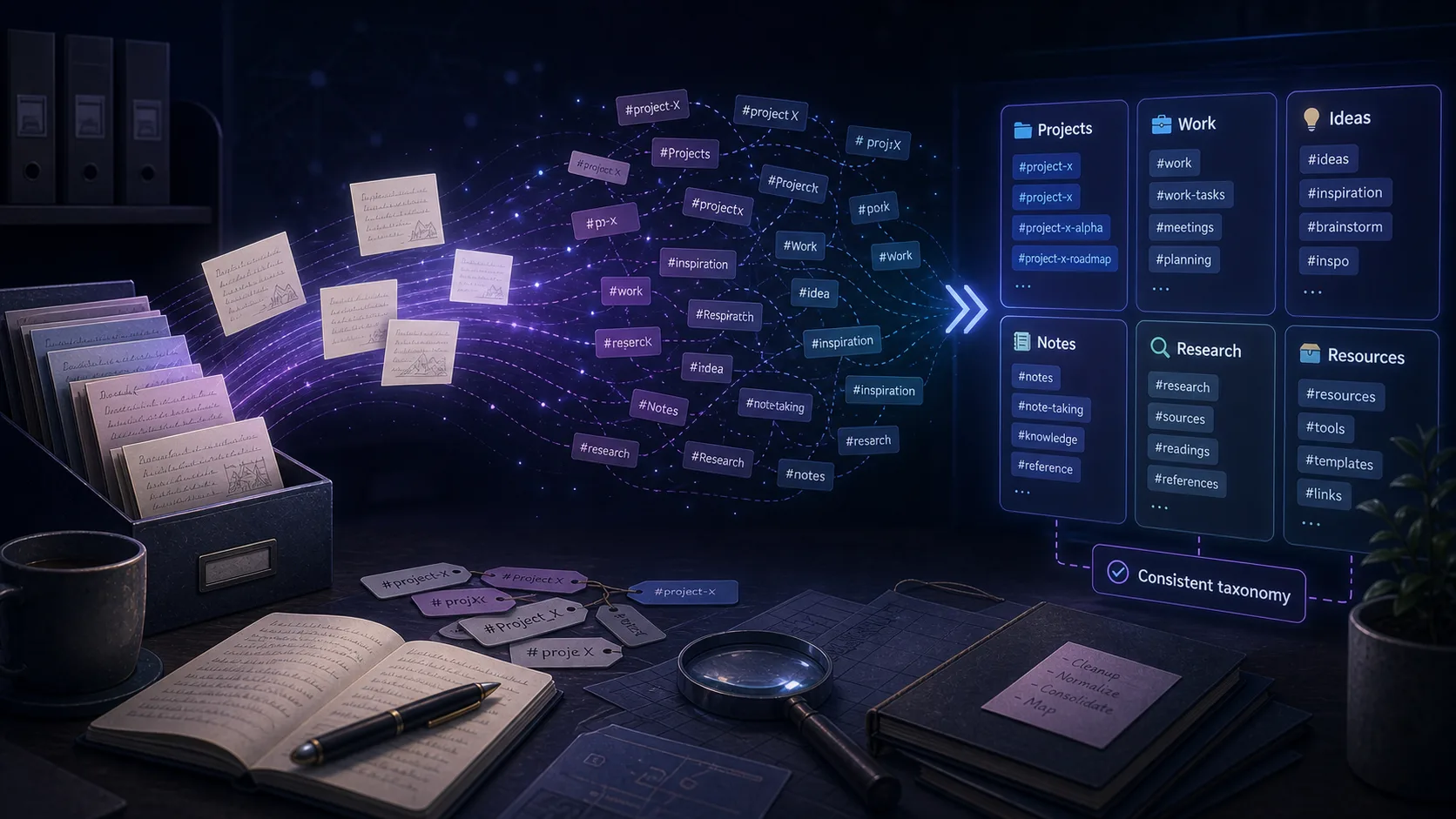
You export your Evernote notes, import them into Obsidian, and everything looks fine—until you notice your tags are broken or missing. Here's what's happening and how to fix it.

For every successful Evernote-to-Obsidian migration story, there's someone who finds the transition genuinely difficult. The struggle isn't usually about the export process—it's about adapting to a completely different way of working.

When you've spent years building a knowledge base in a cloud service, the thought of losing access is genuinely frightening. Here's why so many Evernote users are rushing to export their data, and what you should consider doing with yours.
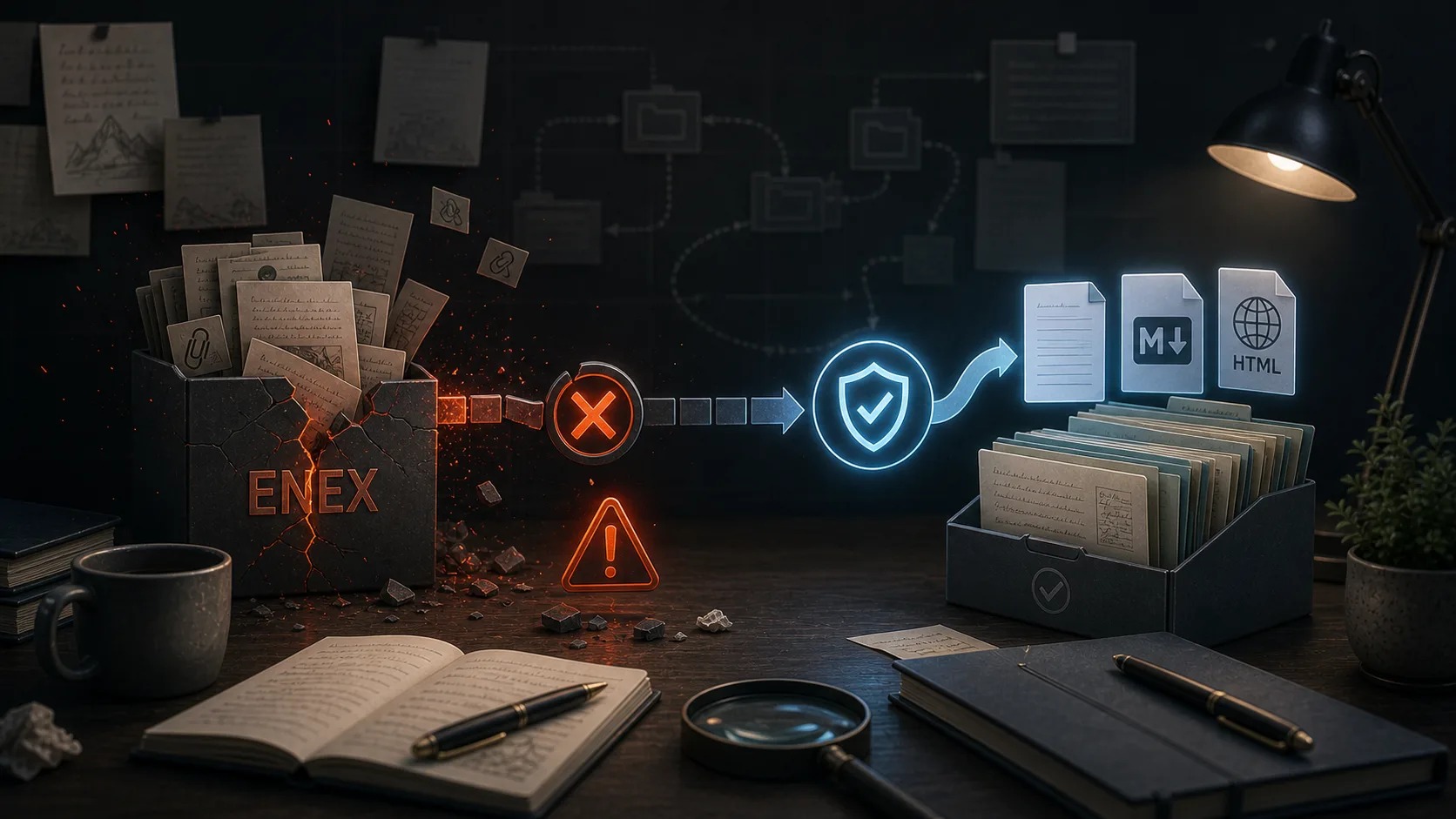
ENEX is Evernote's official export format, but using it often means accepting formatting loss and broken note links. Here's why exports fail and what users are doing about it.

One Reddit user cycled through Evernote, Notion, Obsidian, and back to Evernote again. Their round-trip journey reveals something important about app switching that gets lost in all the migration guides.

Manually backing up your Evernote notes can be tedious and easy to forget. With Evernote Backup Tool's scheduled auto sync feature, you can set it and forget it—your notes will be automatically backed up at regular intervals without any manual intervention.

When you export your Evernote notes to HTML format using Evernote Backup Tool, you get more than just static files—you get a fully searchable, filterable offline knowledge base. Learn how to leverage the powerful search and tag filtering features to find any note instantly.
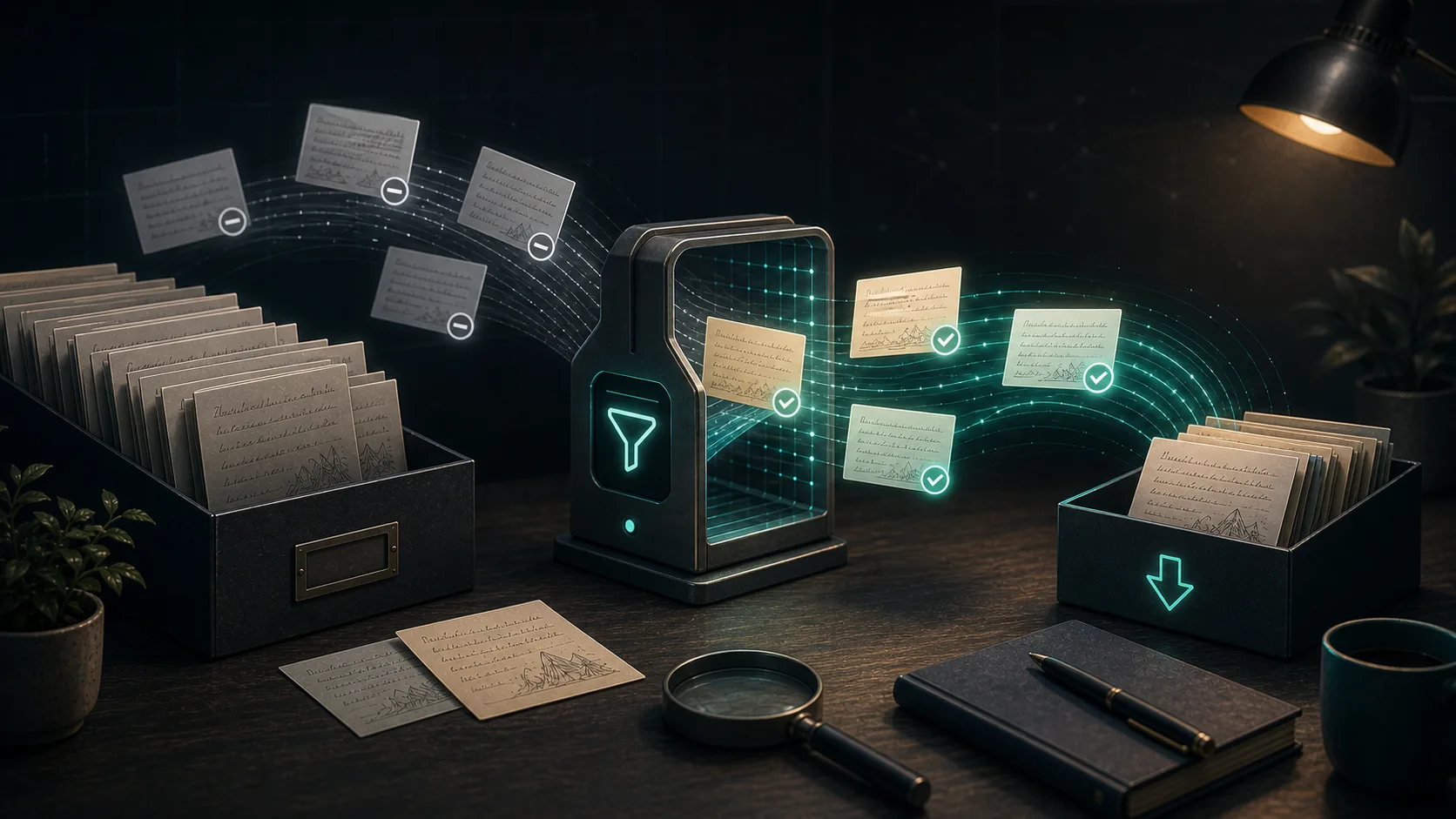
If you export your Evernote notes into a Dropbox folder, iCloud Drive folder, Syncthing folder, or any other synced location, rewriting every file on every export creates unnecessary uploads. Evernote Backup Tool now supports a smarter workflow: export only the notes that actually changed.
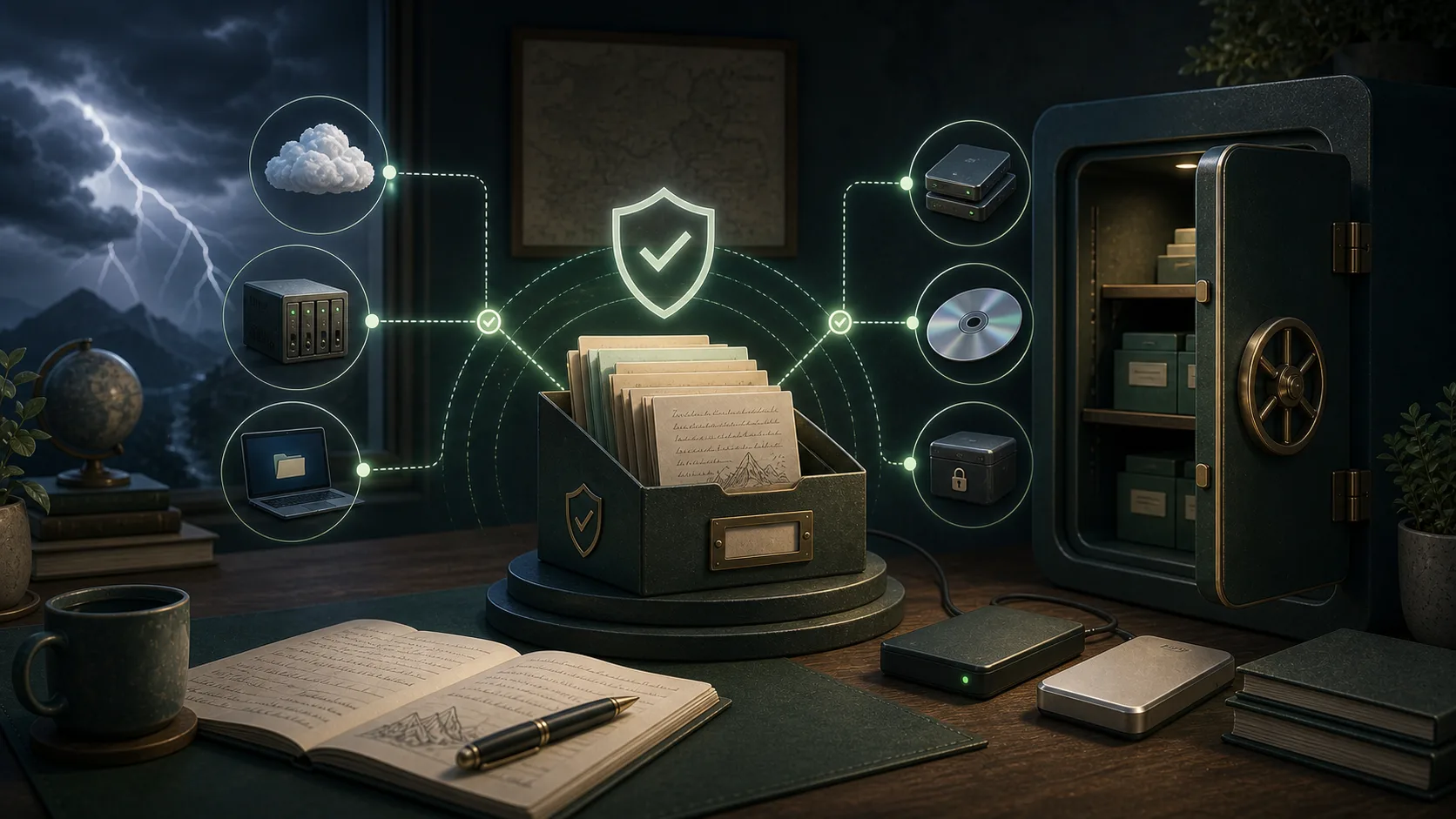
Your Evernote notes contain years of valuable information—meeting notes, research, ideas, and memories. Losing this data would be devastating. Learn how to protect your notes with automatic backups and follow best practices to ensure your data is always safe.
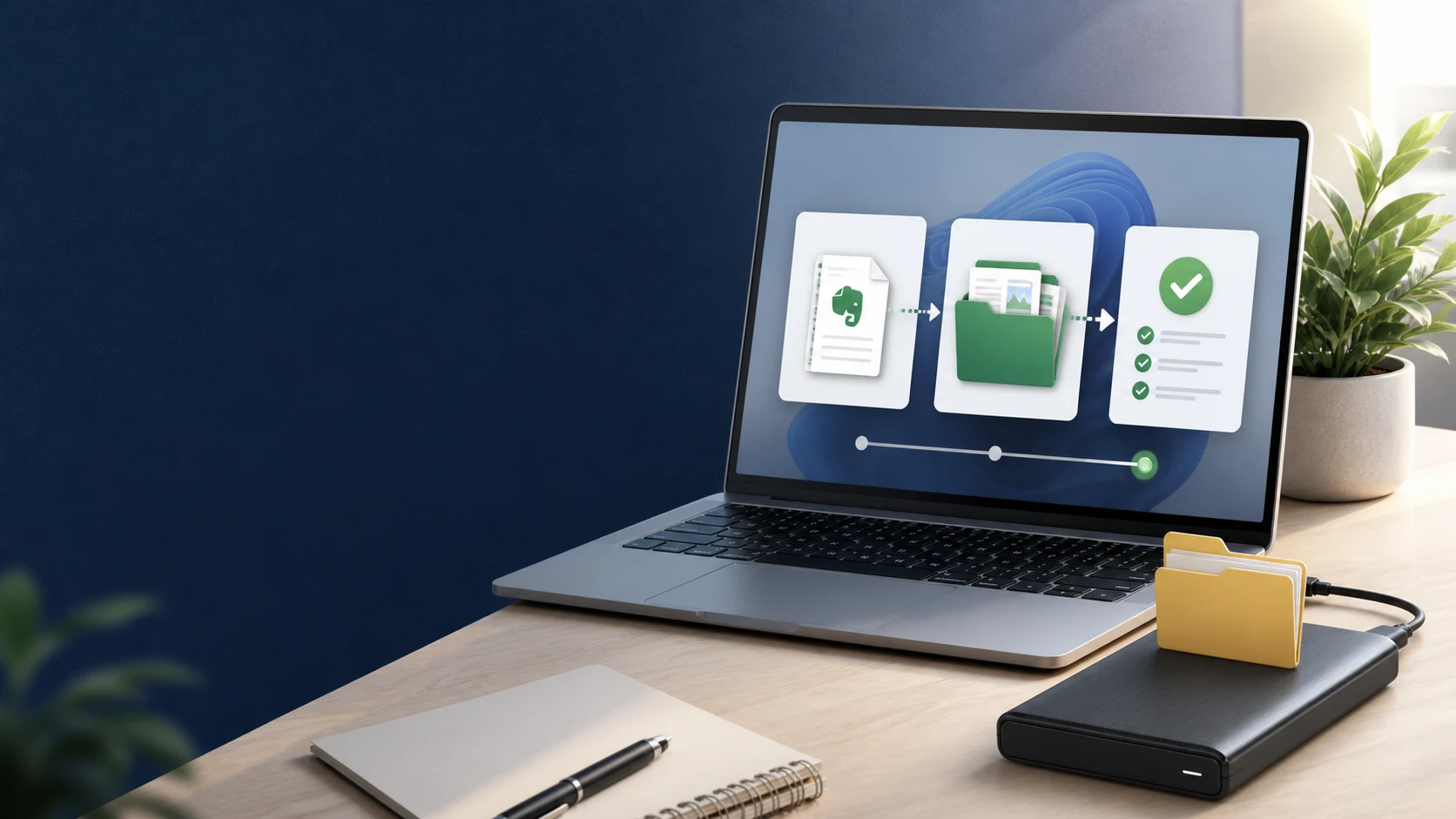
When the Export button disappears from Evernote, the problem is usually the app version, the selected view, or the size of the export—not your notes. Here is a safer path from first checks to a verified local backup.
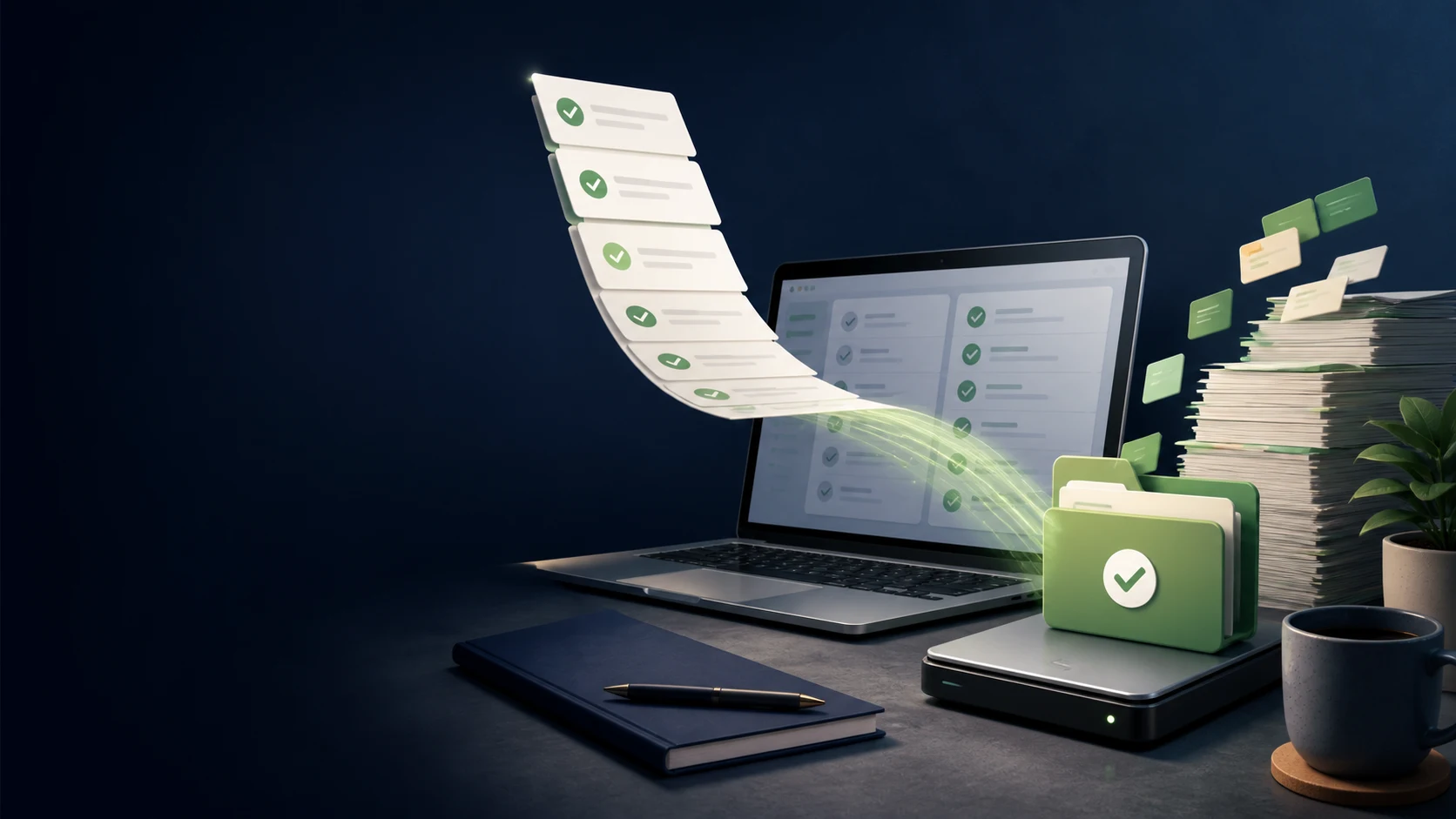
A note export can look complete while task state is missing. This guide shows how to separate note backup from task verification and build a migration workflow you can trust.
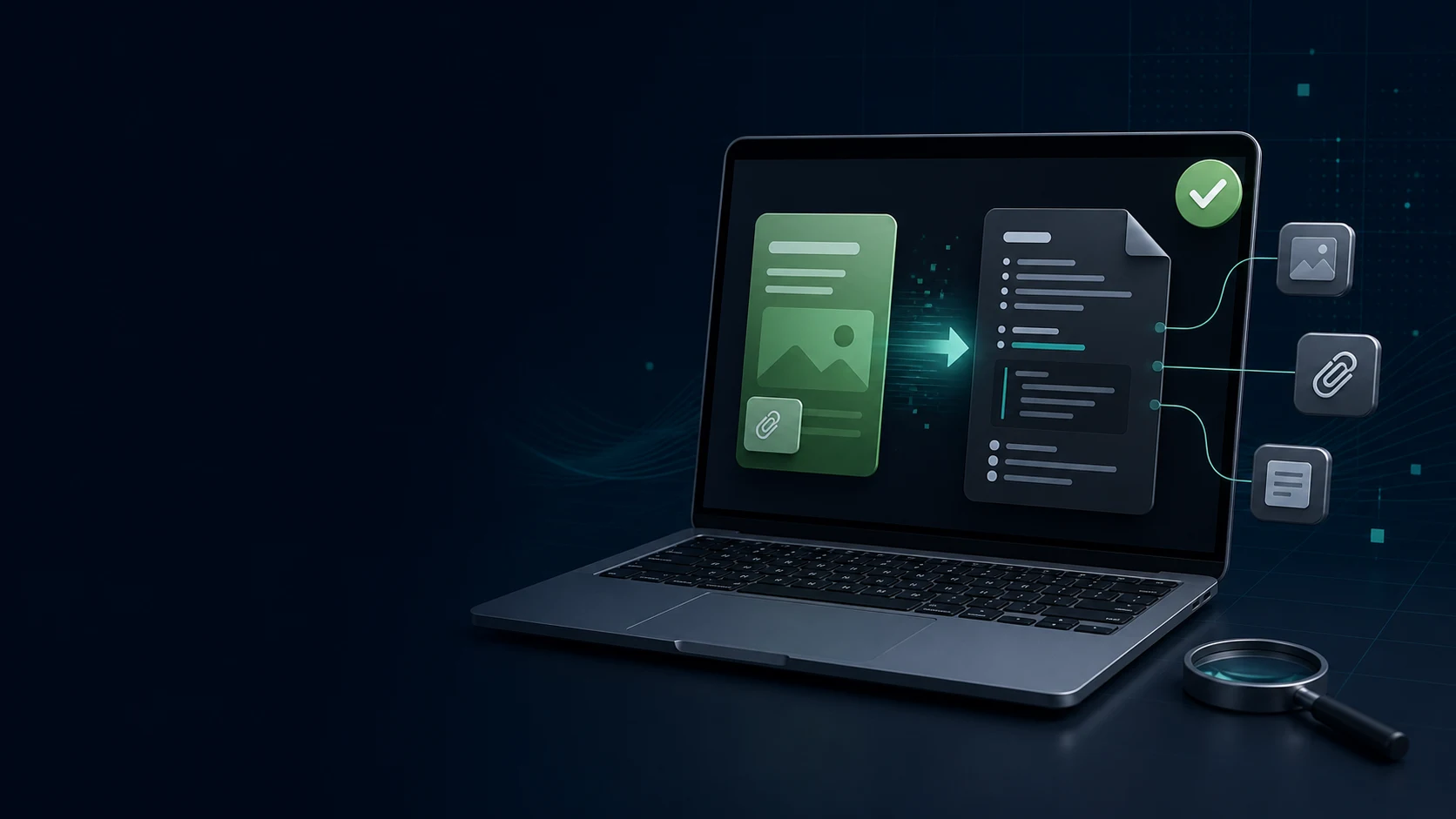
An import that finishes without errors can still leave broken links, renamed attachments, and flattened tables. Use this small-batch test to learn what your Evernote to Obsidian migration really preserved.
When 536 Evernote notes appear as 20 after import, stop guessing. Use a repeatable completeness check to find excluded notebooks, duplicate handling, archived files, and genuinely missing notes.
Large Evernote libraries need sequencing, not a single giant export. Here is a calm way to separate active work, historical notes, attachments, and rollback copies.
Cancellation is a billing decision; data safety is a verification task. Complete these checks before you remove access to the Evernote workflow you still depend on.