Evernote to Joplin: ENEX vs Markdown for a Safer Migration
Joplin users often want both preservation and editability. That means you should think about ENEX and Markdown as different tools, not competing guesses.
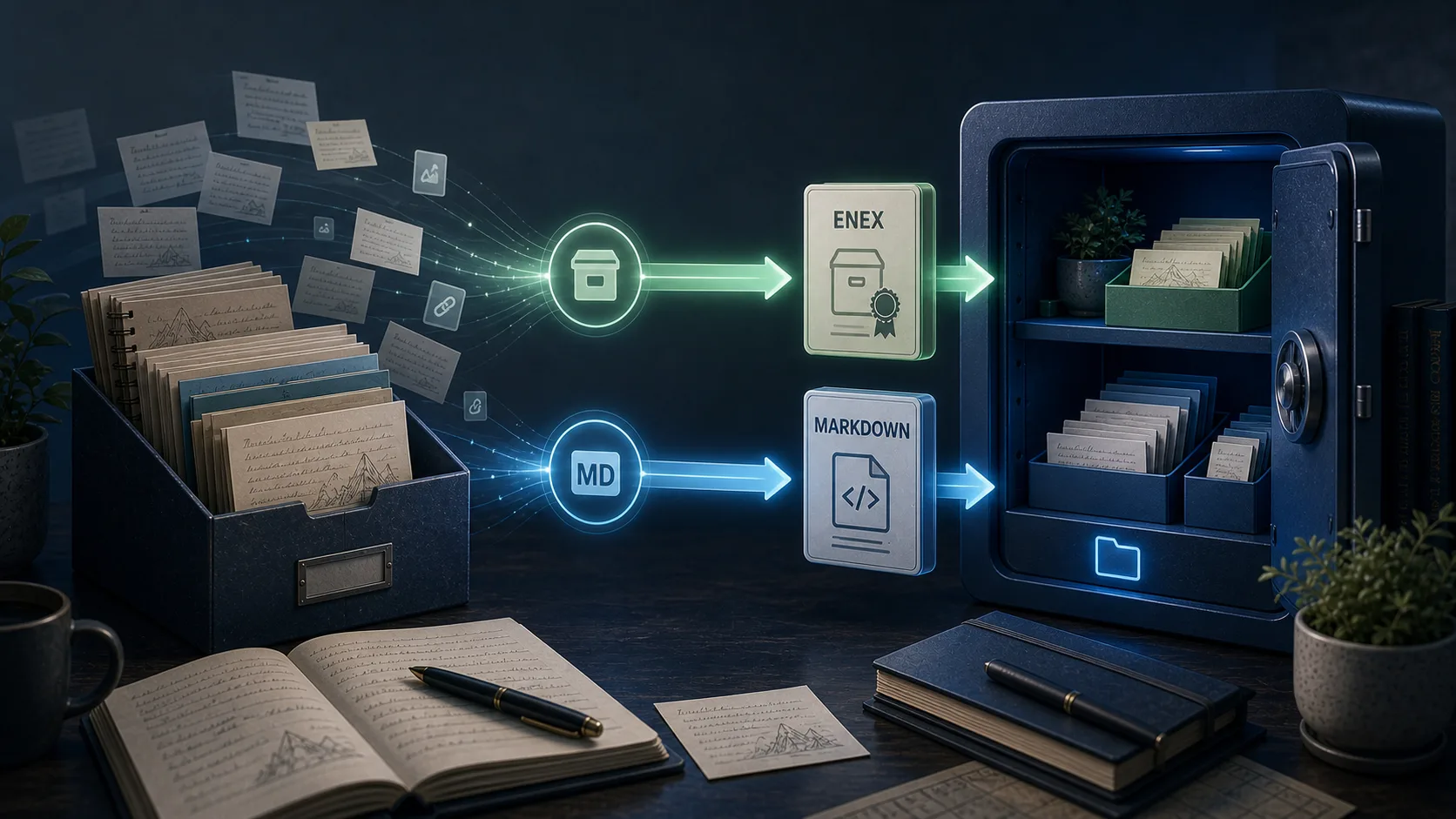
What ENEX is good at
ENEX is the format you keep when the first priority is preservation. It is the best answer when you want a fallback copy that stays close to the original Evernote structure.
What Markdown is good at
Markdown is the format you keep when you want readable and editable local files. It fits well with Joplin-style local workflows and gives you more future flexibility outside any one app.
The safer answer is often both
- Keep ENEX as your preservation copy.
- Generate Markdown if you want editable local files.
- Use HTML if you want easier human-readable verification before importing anywhere.
What to verify before relying on the result
- Image and PDF attachment paths
- Table formatting in complex notes
- Special tag characters
- Duplicate titles and filename collisions
If tag cleanup is a concern, read the tag migration problem guide. If format choice is still unclear, compare ENEX, HTML, and Markdown side by side.
Practical recommendation
Start with a local sync, keep ENEX as the fallback copy, and test Markdown on a representative notebook before doing anything at full-library scale.
Download the free trialExplore this topic
Related guides
Evernote to Obsidian: A Practical Migration Guide
Moving years of notes from Evernote to Obsidian isn't just an export and import. Here's how to migrate properly using Markdown export, avoiding the common pitfalls that leave people with broken links and missing attachments.
Why Obsidian Became the Default Evernote Alternative
When long-time Evernote users decide to leave, there's no shortage of alternatives. Yet one choice appears more consistently than any other: Obsidian. Here's why former Evernote users keep choosing this Markdown-based tool over everything else.
The Hidden Problem with Evernote to Obsidian Tag Migration
You export your Evernote notes, import them into Obsidian, and everything looks fine—until you notice your tags are broken or missing. Here's what's happening and how to fix it.